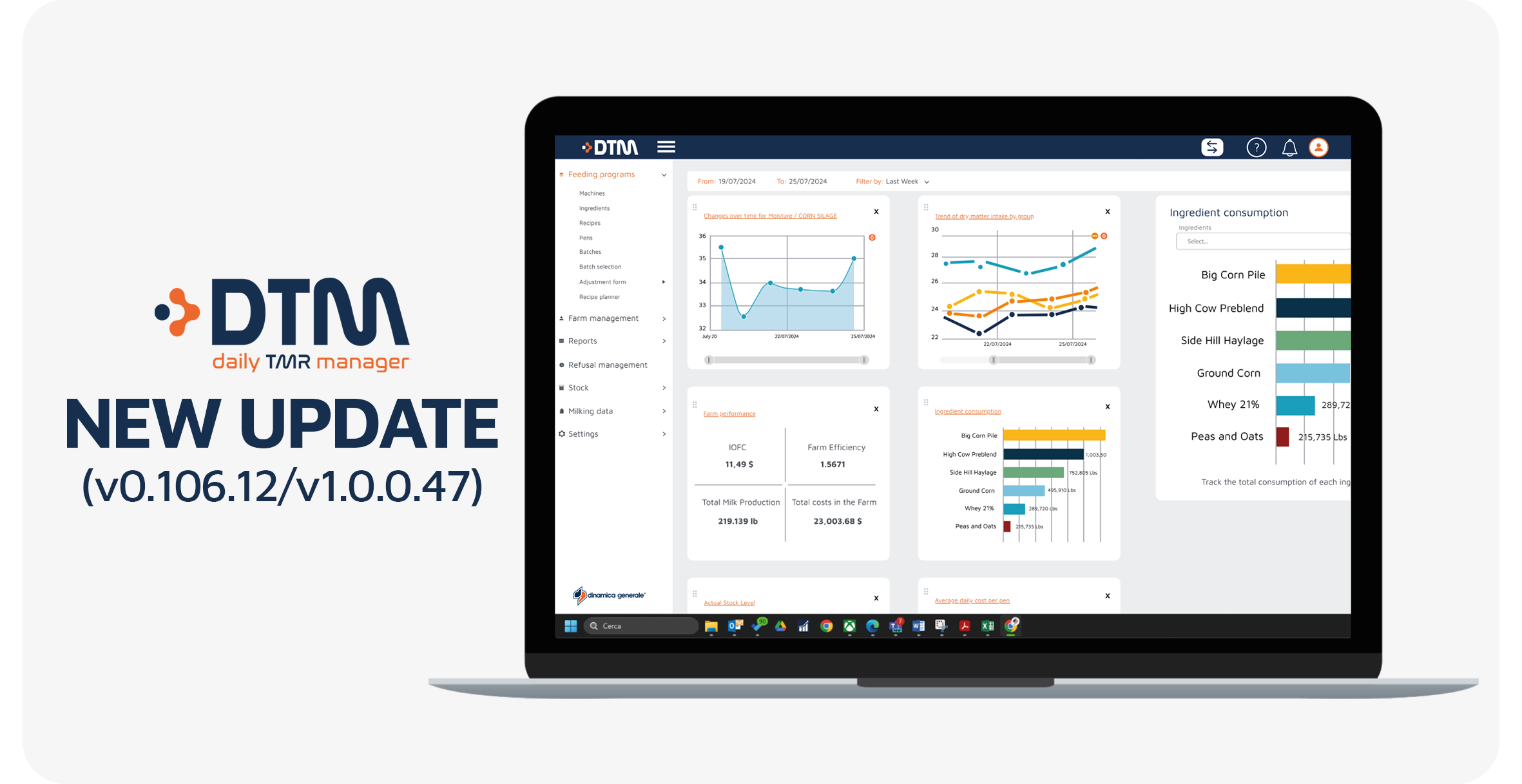
DTM8 (v0.106.12/v1.0.0.47): this update introduces new features designed to improve nutrient management, recipe analysis, stock monitoring and unloading accuracy.
This release also expands language support, simplifies ingredient configuration and provides nutritionists, farm managers and dealers with more detailed information throughout the feeding process.
DTM8 continues to improve its accessibility for international users.
With this release:
These improvements make the activation process and daily use of DTM more accessible to users in additional markets.
The Companies list now includes two additional columns: “Name” and “Last Name”.
These columns display the contact person associated with each company, making customer accounts easier to identify directly from the main list.
Key benefits:
A new CostUdm column has been added to the Stock History main table within the Stock Movements section.
The new column displays the cost per unit of measure associated with each stock transaction.
This provides users with immediate visibility of unit costs and makes it easier to monitor the economic value of ingredient movements without consulting additional screens.
The Water Adjustment section of a recipe has been improved to simplify dry matter corrections.
The Target DM% field is now automatically pre-populated with the last DM% value used by the operator.
Previously, this reference value could be lost when changes were made to the table. With the new version, the operator can simply:
This improvement reduces manual data entry and makes water adjustment operations faster and more consistent.
A new Theoretical (Theo) value is now available in: Batch History > Recipe Analysis > Nutrient Details
When analyzing an executed recipe, users can now compare side by side:
Why is this important?
Nutritionists can immediately assess how closely the executed mix matched the intended formulation.
This makes it easier to identify differences between expected and measured nutrient composition without having to cross-reference information from other screens.
New columns are now available within the Batch History menu to provide a more detailed evaluation of unloading accuracy.
The columns are hidden by default and can be enabled through the column configurator.
At total batch level:
At individual pen level:
The following columns are available when the batch row is expanded:
These additional values allow nutritionists and farm managers to evaluate unloading accuracy against both the original programmed target and any remodulation adjustments applied during loading.
This provides a more complete understanding of operator performance and ration distribution accuracy.
Ingredient configuration is now faster and more consistent.
When a user selects or changes the NIR Family on an ingredient detail page, DTM automatically:
Users can then freely customize the information by:
All changes can be saved with a single action.
When the NIR Family is not changed, the existing Nutrients page remains untouched.
Key benefits:
This DTM8 release provides users with more detailed information throughout recipe preparation, execution and analysis.
The comparison between theoretical and NIR-measured nutrient values supports more accurate evaluation of the final mix, while the new unloading error columns provide greater visibility into feed distribution performance.
At the same time, automatic nutrient population, improved stock cost monitoring and simplified water adjustment help reduce repetitive tasks and configuration errors.
Together, these improvements make DTM8 an increasingly complete platform for controlling feeding accuracy, ingredient management and operational performance.
Keeping DTM updated ensures access to the latest improvements in feeding management, nutrient analysis, stock monitoring and system usability.
Regular updates help maintain system reliability and provide access to new tools designed to support dealers, nutritionists and farm managers in their daily activities.
If you need support updating your system or learning how to use the new features, our team is available to help.
Enjoy the new version!


 NIR & Imaging
 Data Management
 Mobile Apps
 Load Cells
 Indicators and ISOBUS-ECU
 Accessories
 English
 Italian
 Spanish
 French
 German
 Portuguese (Brazil)
 Dutch
Dutch Polish
 Chinese (Simplified)
 Turkish
