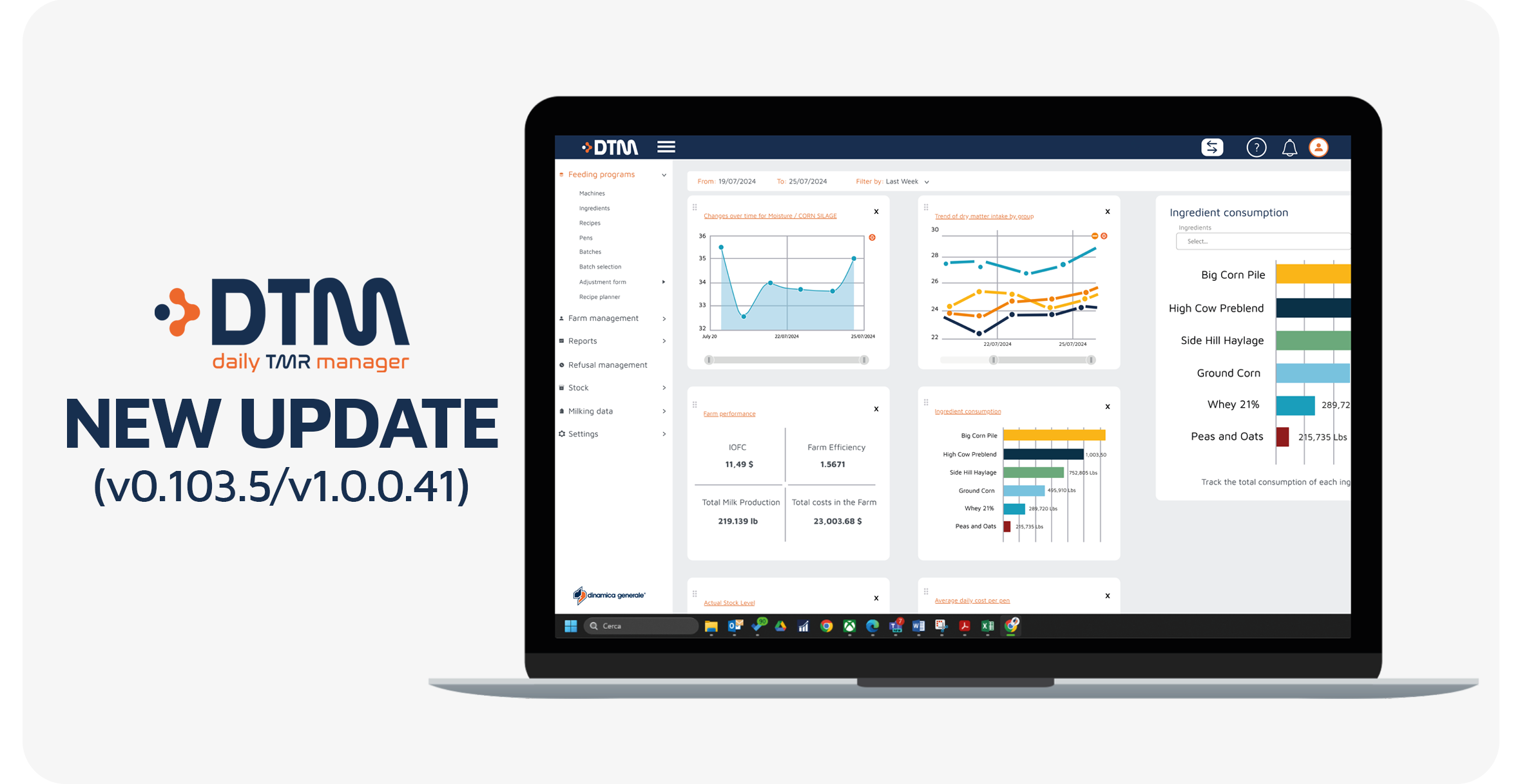
DTM8 (v0.103.5/v1.0.0.41): this update introduces several improvements designed to enhance usability, data management, and daily feeding operations within DTM8.
The new version focuses on simplifying workflows, improving reporting and stock management, and giving users more control over synchronization and recipe organization.
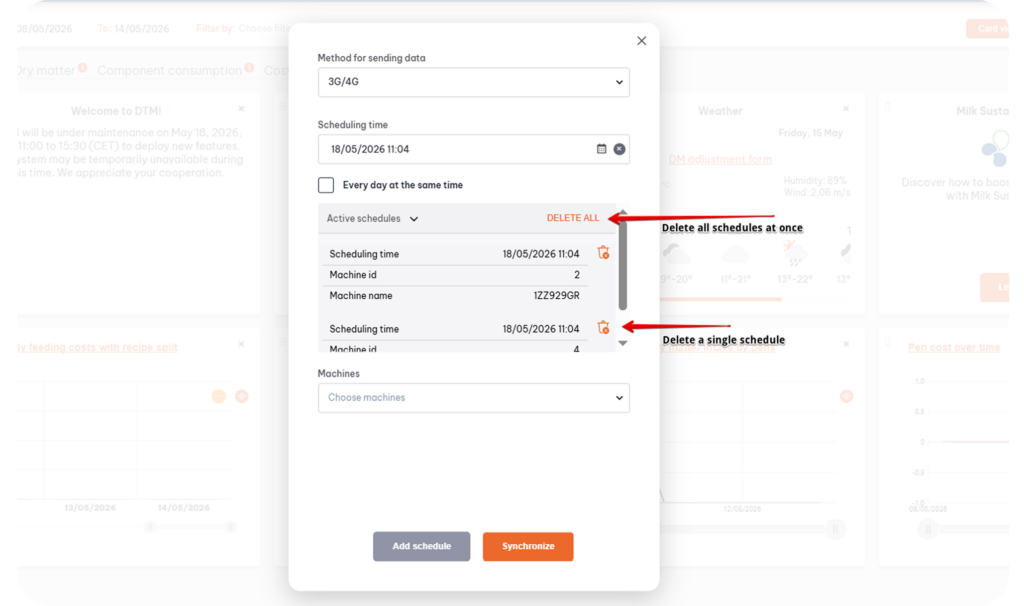
Managing synchronization schedules is now easier and faster directly from the 3G/4G data sending menu.
New options available:
This gives users more control and simplifies schedule management across multiple machines.
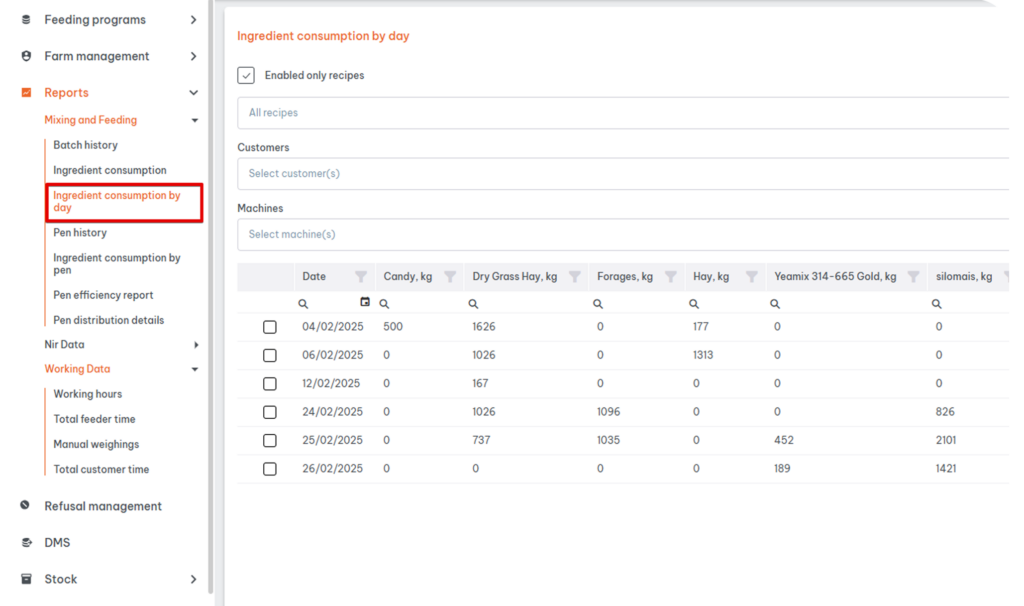
A brand-new report is now available under:
Reports → Mixing and Feeding → Ingredient Consumption by Day
This report provides a detailed day-by-day overview of ingredient consumption for each ingredient over a selected period (up to 30 days).
Main features:
This new tool helps nutritionists and farm managers better monitor feed usage trends and improve inventory control.
The Recipe history report has been moved to make recipe management more intuitive.
You can now find it directly inside each recipe details page under the new tab: RECIPE REVISION
This allows users to immediately view the revision history related only to the selected recipe, without additional filtering.
The report structure and functionality remain unchanged.
Details here
A new column called Milking has been added inside:
Farm Management → Pen Types and Sub Types
When creating or editing a pen subtype, users can now specify whether the group is in lactation using a dedicated checkbox.
This information will be used in future updates to improve report and chart filtering.
Available for license types: IC and Advanced
DTM8 now supports an additional language:
🇱🇹 Lithuanian
Users can select it directly from the language selection menu.
Stock management has been significantly improved.
Previously, one ingredient could only be associated with a single stock. Now, a single ingredient can be linked to multiple stocks.
New functionalities include:
This improvement provides greater flexibility for farms managing multiple storage locations for the same ingredient.
Details here
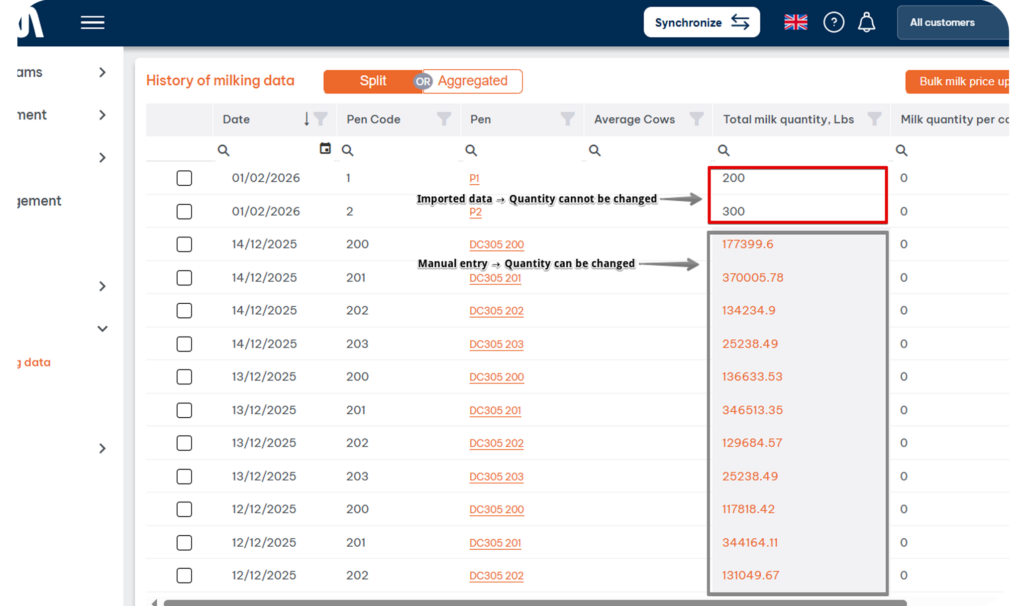
DTM8 now clearly distinguishes editable and non-editable milking records.
The milk price field remains editable for all records.
This update improves data traceability and reduces the risk of unintended changes to imported data.
These new features continue to enhance DTM8 as a complete platform for precision feeding management, helping farms and nutritionists improve operational control, data organization, and feeding efficiency.
Keeping DTM updated ensures access to the latest improvements in data management, automation, and feeding system integration. Moreover, regular updates help maintain system reliability and improve the overall user experience. If you need support updating your system or learning how to use the new features, our team is available to help.
Enjoy the new version!


 NIR & Imaging
 Data Management
 Mobile Apps
 Load Cells
 Indicators and ISOBUS-ECU
 Accessories
 English
 Italian
 Spanish
 French
 German
 Portuguese (Brazil)
 Dutch
Dutch Polish
 Chinese (Simplified)
 Turkish
